Excellent Performance at Lower Cost
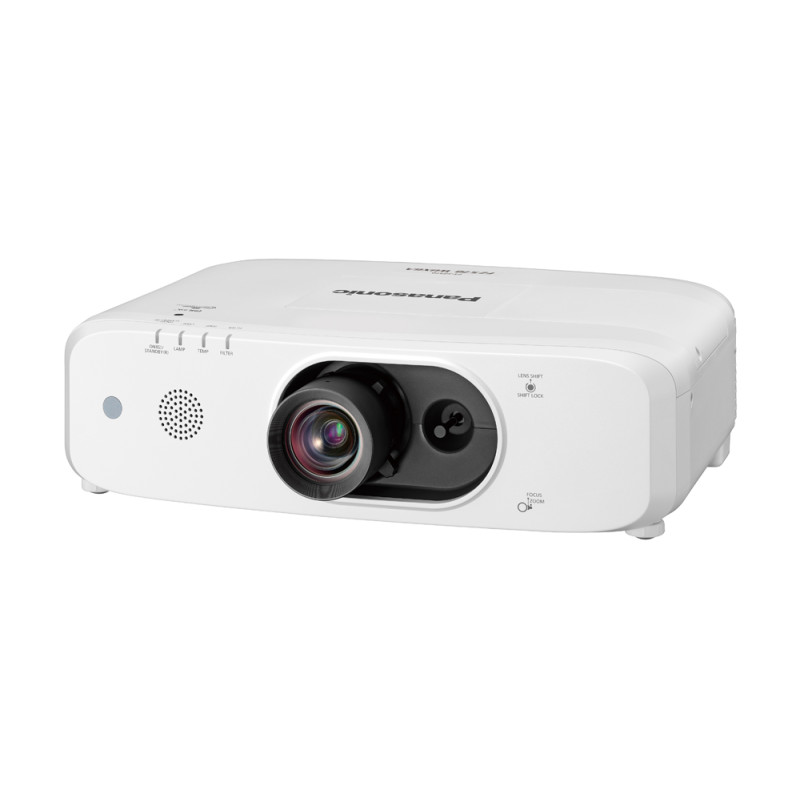
Engineered to extend picture-perfect performance, it features a new dustproof optical drive, long-life lamp, and improved filtering technology to maintain brightness and cut operating costs. Dependable without compromise, students benefit from compelling imaging performance while administrators save money every year: a win-win solution from Panasonic, the world leader in education projection.
Compact Projectors Deliver High Brightness
Brilliant images are possible even in rooms with high artificial light levels. Text is reproduced clearly and legibly, while graphics and video retain excellent color saturation and contrast.
Dynamic Iris for a High 10,000:1 Contrast Ratio
Dynamic Iris uses a scene-linking aperture mechanism to achieve high 10,000:1* contrast without sacrificing brightness. This helps to reproduce deeper, richer blacks for more immersive and lifelike imaging.

* Please refer specification page for specific condition.
Daylight View Basic
Panasonic’s Daylight View Basic technology achieves sharp, easily viewed images by enhancing detail, particularly in dark areas of the image that are normally difficult to see in brightly lit rooms. A built-in sensor measures ambient light while Daylight View Basic adjusts halftone color and brightness according to the surrounding level of illumination.


Long Lamp Replacement Cycle of 8,000 hours
Lamp replacement is pushed back to 8,000 hours (in Eco Mode) or 6,000 hours (in Normal Mode), saving organizations money, labor, and inconvenience.

Dust-Resistant Cabinet
If dust gets inside the projector’s optical unit, brightness suffers. The unit is protected against dust intrusion with a one-way airflow design and improved sealing for the lens block, air intake duct, and Eco Filter.

Dual-Layer Eco Filter
This pleated, dual-layer electrostatic filter captures the tiniest dust particles and requires no maintenance for 16,000 hours*1. It can be washed and reused*2 to reduce wastage and replacement cost.

*1 Usage environment affects filter maintenance cycle.
*2 Please follow the procedures listed in the operating instructions when washing filter with water. Replacement is recommended after filter has been washed and reused twice, or if filter is not sufficiently clean after washing.
Easy Lamp and Filter Replacement
To reduce hassle, the filter can be replaced via the side and the lamp from the top of the projector. There’s no need to remove the unit from its ceiling mount for periodic maintenance.


Additional Features
- Multi Monitoring & Control Software
- Art-Net DMX, Crestron Connected™, and PJLink™
- DICOM Simulation Mode
- Lens-Centered Design
- Screen Adjustment for Specially Shaped Screens



 Organic Roasted Coffee
 Organic Gifts
 Hand Picked Teas